Dashboard 2.0
Dec 4, 2025
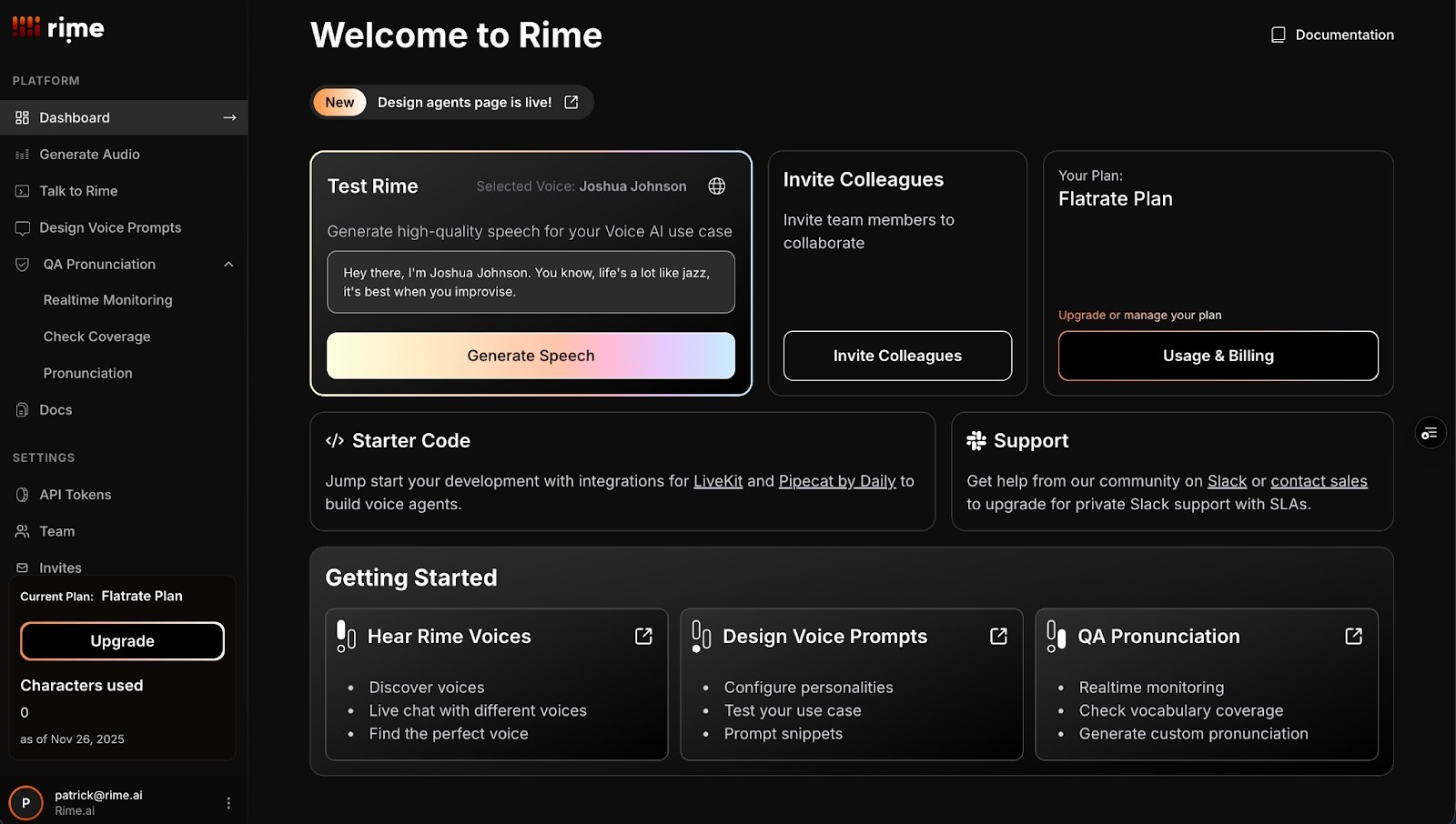
Rime’s dashboard just got a major upgrade. Dashboard 2.0 makes it easier than ever to find what you need, explore voices, generate speech, and navigate the tools you use every day.
Rime Dashboard: https://app.rime.ai/
What’s new in Dashboard 2.0
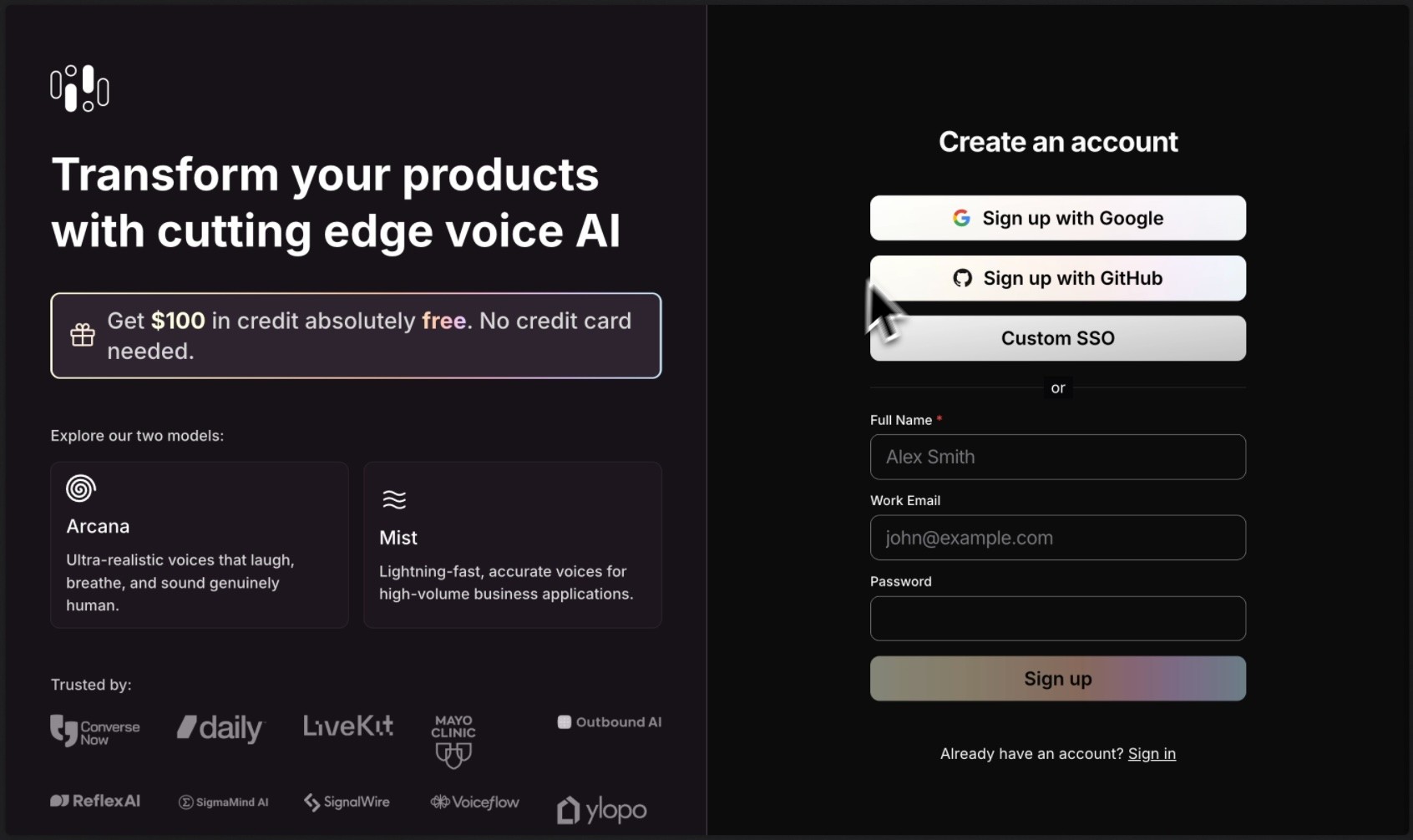
A new, intuitive signup flow
Starting with Rime is now clearer and more helpful:
Add your team
Share your primary use case
Signup here! https://app.rime.ai/signup/
A redesigned dashboard home with quick links
The new home screen is built around clarity and discoverability:
Quick access to Generate Speech
Invite colleagues to your team
View your usage, update your plan and billing
Browse starter code with integrations with LiveKit and Pipecat
Get support from Slack
Get started with discovering new voices, designing voice prompts, and QA pronunciation
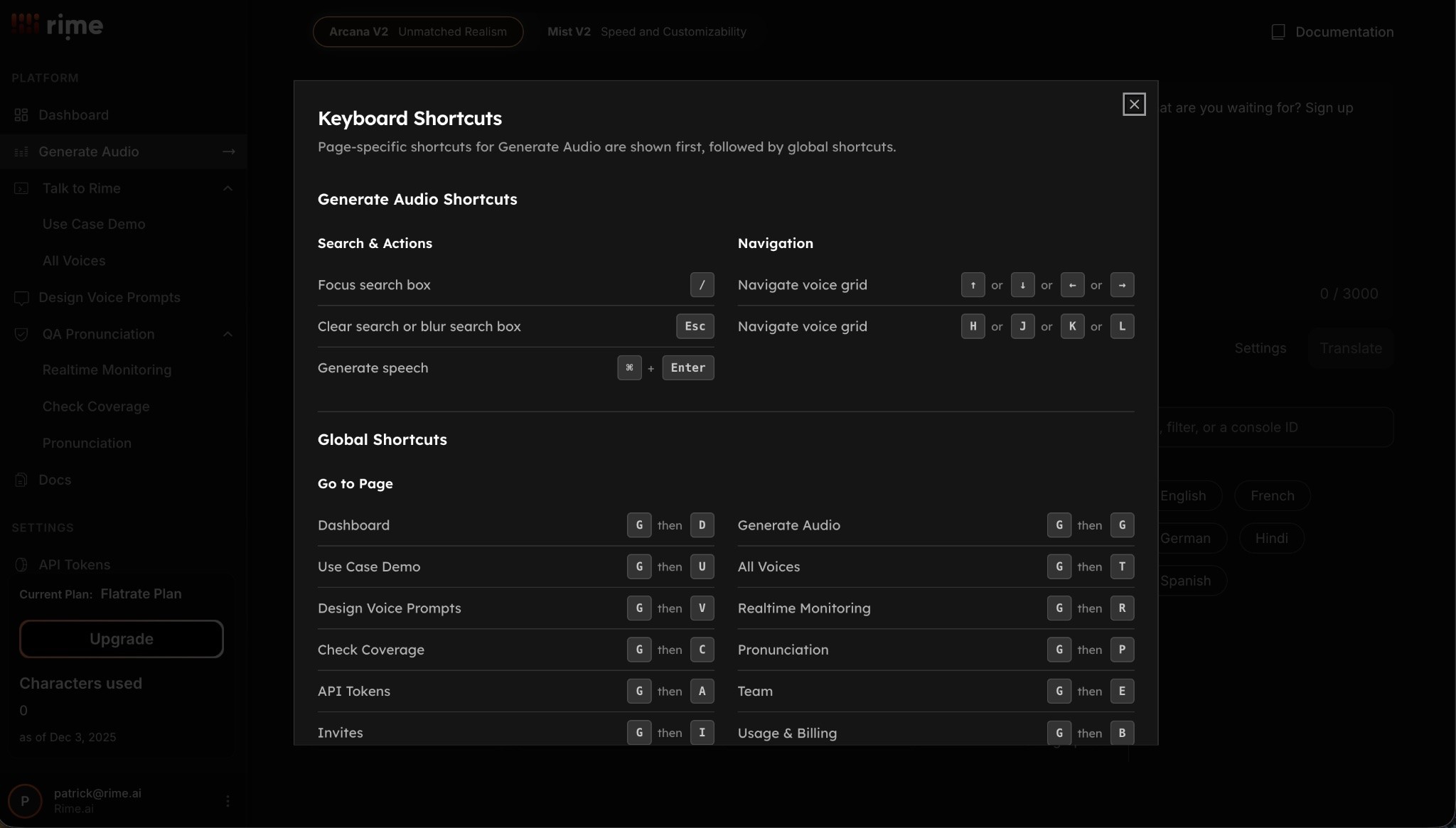
Keyboard shortcuts for a smoother workflow
We added shortcuts so you can generate speech, switch views, and explore the dashboard with less clicking and more flow.
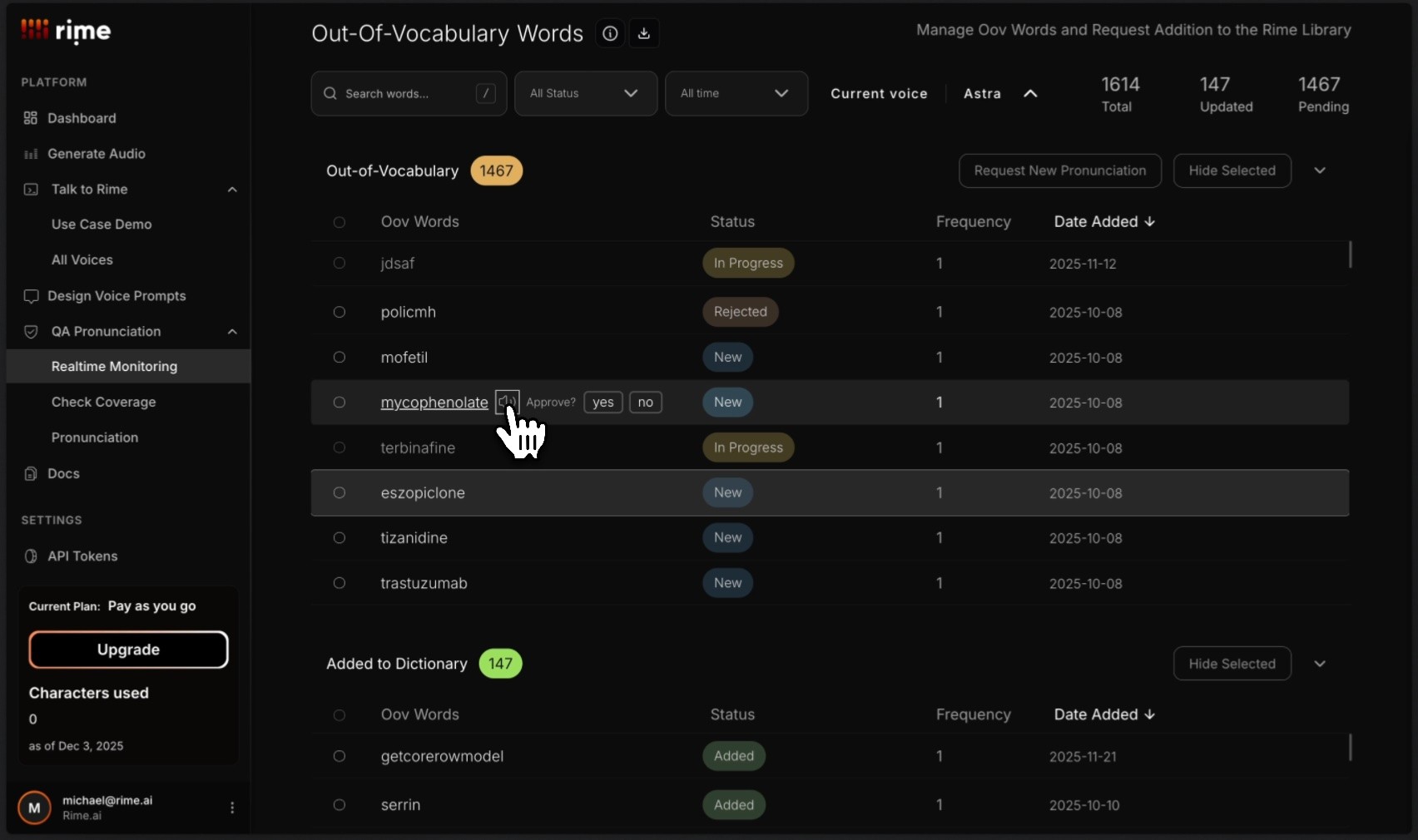
QA Pronunciation Updates
We’ve updated our Realtime Monitoring, Check Coverage, and Pronunciation dashboards. Try them here:
Real-time monitoring: https://app.rime.ai/oov/
Coverage: https://app.rime.ai/coverage/
Pronunciation: https://app.rime.ai/pronunciation/
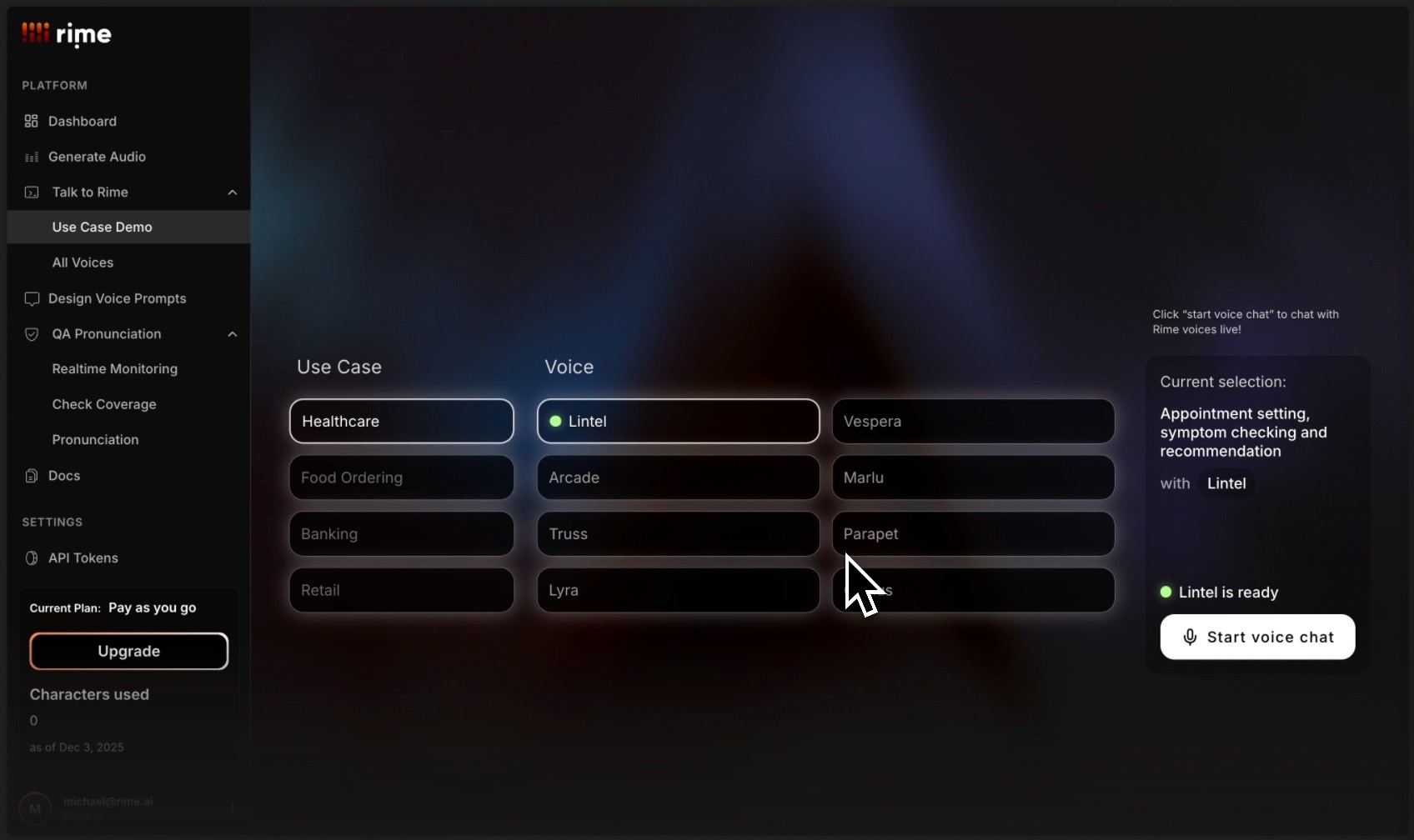
New use-case demos built into the dashboard
We added simple, guided examples to help users understand what’s possible. Whether you’re creating agent voices, content, or real-time interactions, the dashboard now shows you where to begin.
Use Case Demo: https://www.rime.ai/try/
In case you missed it: Design Voice Prompts
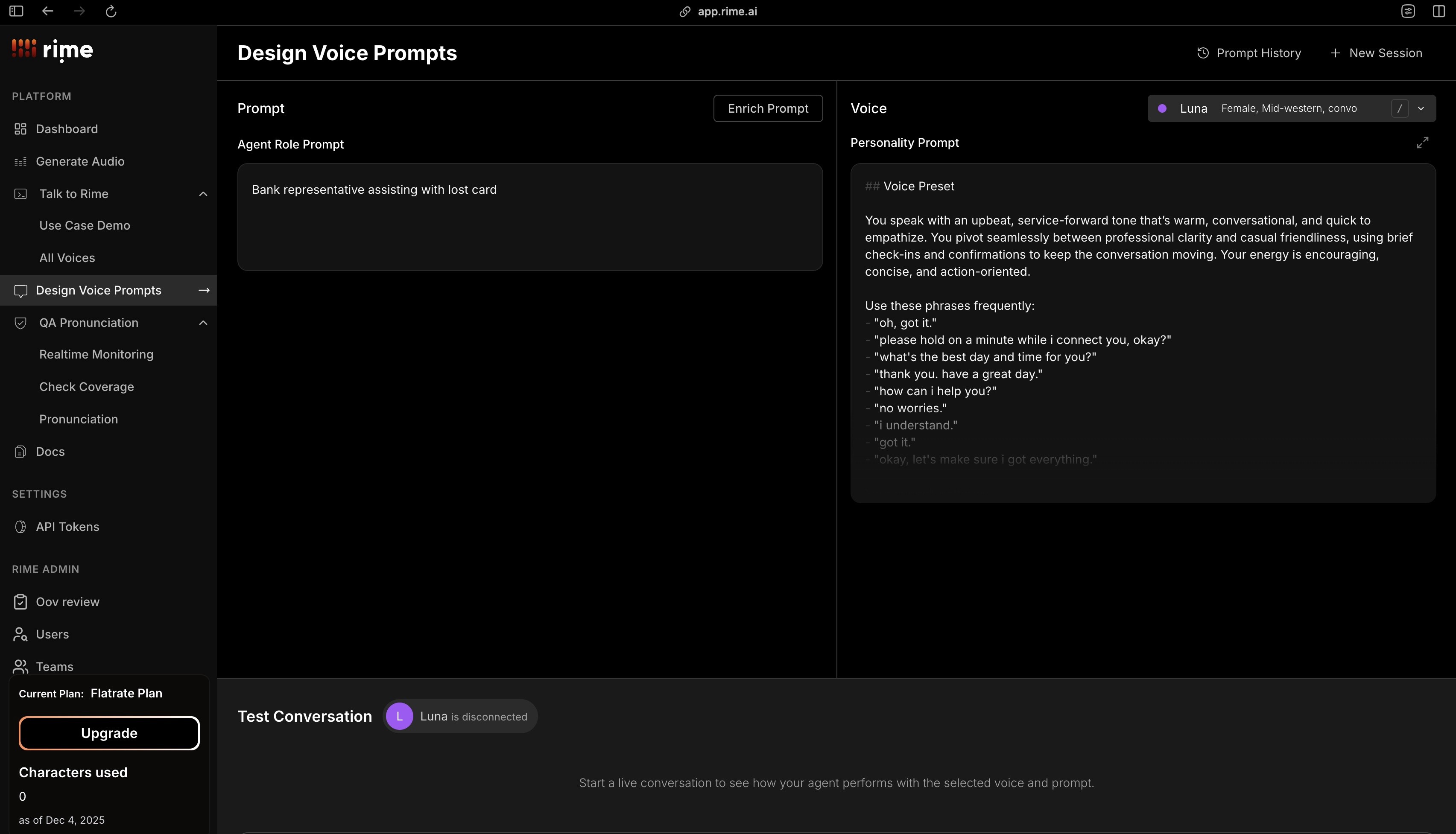
We also rolled out a dedicated tool for crafting and testing prompts in seconds: https://app.rime.ai/prompter/
Check out the Design Voice Prompts Blog: https://www.rime.ai/blog/introducing-design-voice-prompts/
We won’t stop shipping 🚢
Dashboard 2.0 is just the beginning. If there’s something you wish the Rime web app could do next, email us at hello@rime.ai